How to Turn Lecture Slides into High-Yield Study Materials
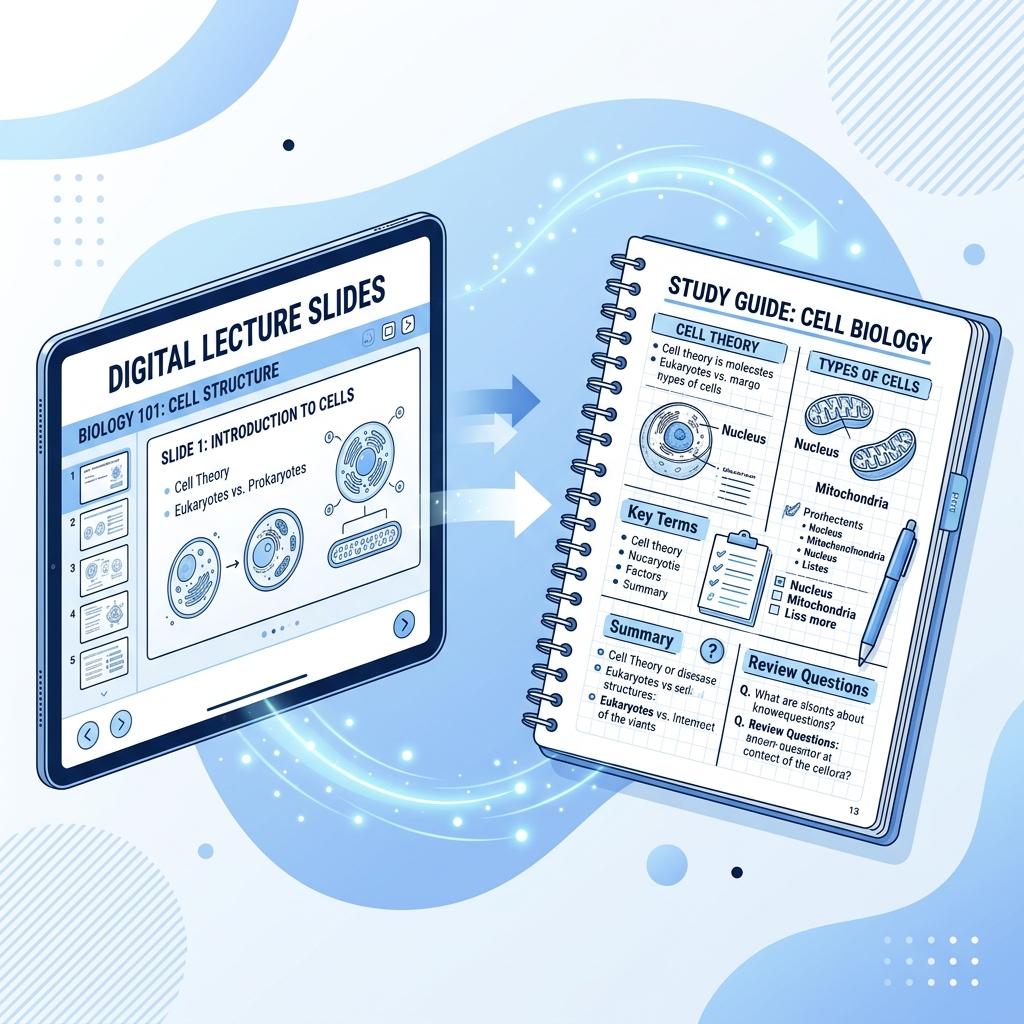
The night before an exam, many students open the lecture slides and scroll through them again and again. It feels like studying: everything looks familiar, and the familiarity feels like knowing. But recognizing a slide is not the same as being able to produce its content on a blank exam page, and passive review does little to build that ability.
The good news is that a slide deck is excellent raw material for active studying. With a simple workflow, students can turn slides into questions, and questions into durable learning.
Step 1: Find the structure of the lecture
Before making any study materials, skim the whole deck and identify its skeleton: the main topics, the key terms, the processes, and the comparisons. Most lectures have only a handful of core ideas with supporting detail around them. Writing a one-line summary for each section gives you a map of what actually matters and stops you from treating every bullet point as equally important.
Step 2: Turn statements into questions
Slides are written as statements. Study materials should be written as questions, because questions force you to retrieve. Convert each key point:
- Slide: "Mitochondria produce most of the cell's ATP." Question: "Which organelle produces most of the cell's ATP, and through what process?"
- Slide: "Causes of WWI: militarism, alliances, imperialism, nationalism." Question: "Explain how the alliance system turned a regional conflict into a world war."
- Slide: "Elastic demand: % change in quantity > % change in price." Question: "If a price rises 10% and quantity demanded falls 25%, is demand elastic or inelastic? Why?"
Notice that the best questions don't just ask for the fact; they ask you to explain or apply it.
Step 3: Include different kinds of questions
A good set of study questions mixes:
- Definition and identification questions for key terms.
- Process questions: "Describe the steps of…"
- Comparison questions: "How is X different from Y?" — lectures often contain confusing pairs.
- Application questions that mirror how the professor writes exam questions.
Step 4: Generate a first draft quickly
Writing questions for an entire deck takes time. You can copy the text from your slides and paste it into a PDF to quiz tool to generate a set of practice questions with an answer key in seconds. Treat the result as a first draft: read through it, delete anything off-topic, and add questions about points your lecturer emphasized.
Step 5: Practice in retrieval loops
Now study from the questions, not the slides:
- Answer each question from memory, writing or saying the answer before checking.
- Mark the ones you got wrong or couldn't answer.
- Go back to the slides only for those, then try again.
- Repeat until you can answer everything without looking.
Step 6: Space it out
One long session the night before is the least effective way to use these questions. Running through them two or three times over a week or two — even briefly — builds far more durable memory than the same total time crammed into one evening.
For teachers: share questions, not just slides
If you teach with slides, consider giving students a short set of review questions alongside the deck, or ending each lecture with a quick retrieval quiz. It models how to study from slides and gives students a head start. For more ideas, see retrieval practice classroom strategies.
Ready to save time on your next worksheet?
Generate a worksheet